


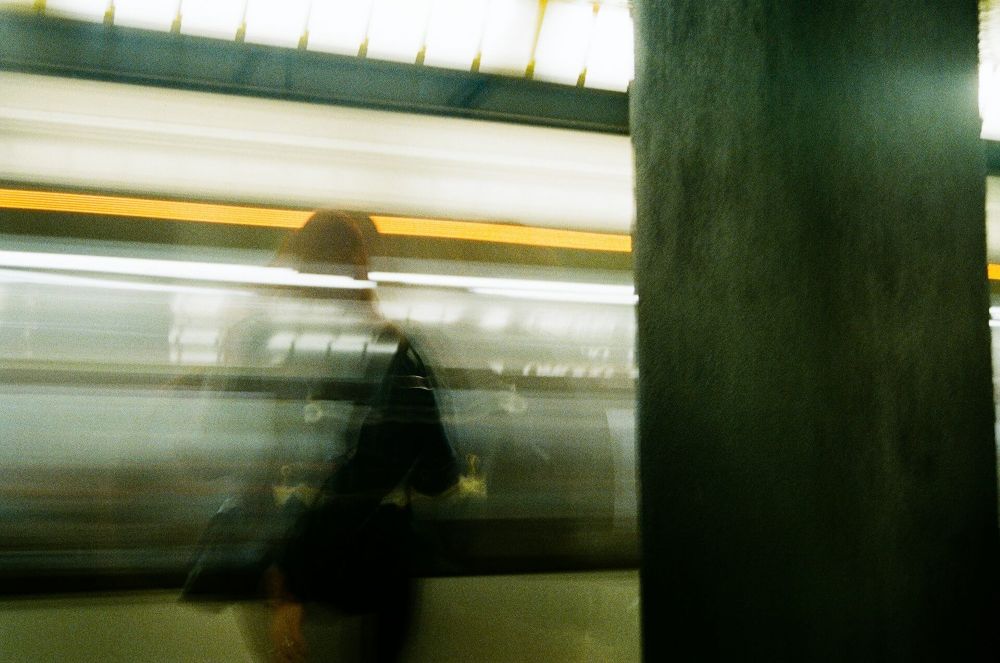
Blurry photos are frustrating, especially when the moment can’t be recreated. Whether it’s a travel memory, a family photo, or content for social media, learning how to unblur photos starts with understanding why images lose sharpness and what can realistically be improved. While modern tools make it possible to enhance clarity, not every blur can be fully fixed, and knowing the limits is essential.
This guide explains what causes blur, what types of blur can be corrected, and how to get the best possible results when improving image sharpness.
Why Photos Become Blurry in the First Place
Before trying to unblur photos, it’s important to identify the cause of the blur. Different problems require different approaches, and some are easier to fix than others.
One common cause is camera movement. This happens when the camera shakes during the shot, often in low light or when using slower shutter speeds. Another frequent issue is subject movement, where the person or object moves faster than the camera can capture. Poor focus is also a major factor, especially when autofocus locks onto the wrong area or fails completely.
Low image resolution can create blur as well. When a photo is heavily compressed or enlarged beyond its original size, details become soft and unclear. Finally, digital noise reduction or over-compression can strip away fine details, making images look smudged rather than sharp.
Types of Blur You Can (and Can’t) Fix
Not all blur is equal. Understanding this will save you time and unrealistic expectations.
Motion blur caused by slight camera shake can often be reduced by sharpening and detail reconstruction. Mild focus blur can sometimes be improved, especially if edges and contrast are still visible. Compression blur may also respond well to enhancement if the image retains enough data.
However, extreme motion blur, severe out-of-focus images, or very low-resolution photos cannot be fully restored. If the original image contains no detail, no tool can recreate information that was never captured. The goal in these cases is improvement, not perfection.
What “Unblurring” a Photo Actually Means
Unblurring does not magically restore an image to perfect clarity. Instead, it works by enhancing edges, increasing contrast, and intelligently reconstructing missing detail based on surrounding pixels.
Modern image enhancement relies on analysing patterns, textures, and shapes to make a photo appear sharper. This can significantly improve visual quality, but it also means results depend heavily on the original image. Clean lighting, decent resolution, and minimal motion give the best outcomes.
When people look to unblur their pictures online for free, they are often aiming for clarity improvements suitable for sharing, printing at small sizes, or professional use on websites and social media.
Things to Check Before Unblurring a Photo
Before attempting to fix blur, take a moment to evaluate the image.
Look closely at the edges. If outlines are still visible, the photo has potential. Check whether the blur is uniform or directional. Directional blur usually comes from movement and may be partially correctable. Uniform softness often indicates focus issues or resolution limits.
Also consider the final use of the image. A slightly soft photo can look perfectly fine on social media, while print or professional use requires much higher clarity.
Common Mistakes When Trying to Unblur Photos
One of the biggest mistakes is over-sharpening. While increasing sharpness can help, pushing it too far creates halos, grain, and unnatural textures. This often makes the photo look worse than before.
Another mistake is repeated editing. Saving and re-editing a photo multiple times reduces quality and increases artefacts. Always work from the highest-quality version available.
People also expect instant perfection. Unblurring is a balancing act between clarity and realism. The goal is a natural improvement, not an artificial look.
How to Improve Results When Unblurring Photos
Start with the highest-resolution version of the image you have. More data means better enhancement. Adjust sharpness gradually rather than aggressively. Pay attention to faces, text, and fine details, as these areas show problems first.
Contrast and clarity adjustments often help more than sharpening alone. Improving lighting balance and reducing noise can also make blur less noticeable.
If the photo contains text or important details, focus enhancement on those areas rather than the entire image to avoid introducing artefacts.
Can All Photos Be Saved?
The honest answer is no. Some images are simply too damaged. However, many photos that seem unusable at first glance can be improved enough to be shared, archived, or repurposed.
Understanding the limits of unblurring helps set realistic expectations and leads to better results. Improvement, not perfection, is the real success.
How to Avoid Blurry Photos in the Future
Prevention is always better than correction. Hold the camera steady, use better lighting when possible, and make sure your subject is in focus before capturing the shot. Avoid heavy zooming and unnecessary compression when saving images.
These habits will dramatically reduce the need to unblur photos later.
Final Thoughts
Learning how to unblur photos is as much about understanding image quality as it is about using enhancement techniques. By knowing what causes blur, recognising what can be fixed, and applying careful adjustments, you can significantly improve blurry images without damaging their natural look.
Clear expectations and smart edits will always deliver better results than aggressive corrections, and even small improvements can make a big visual difference.
